

Windows 11 Alerts Turn Your PC Into a Home‑Automation Hub

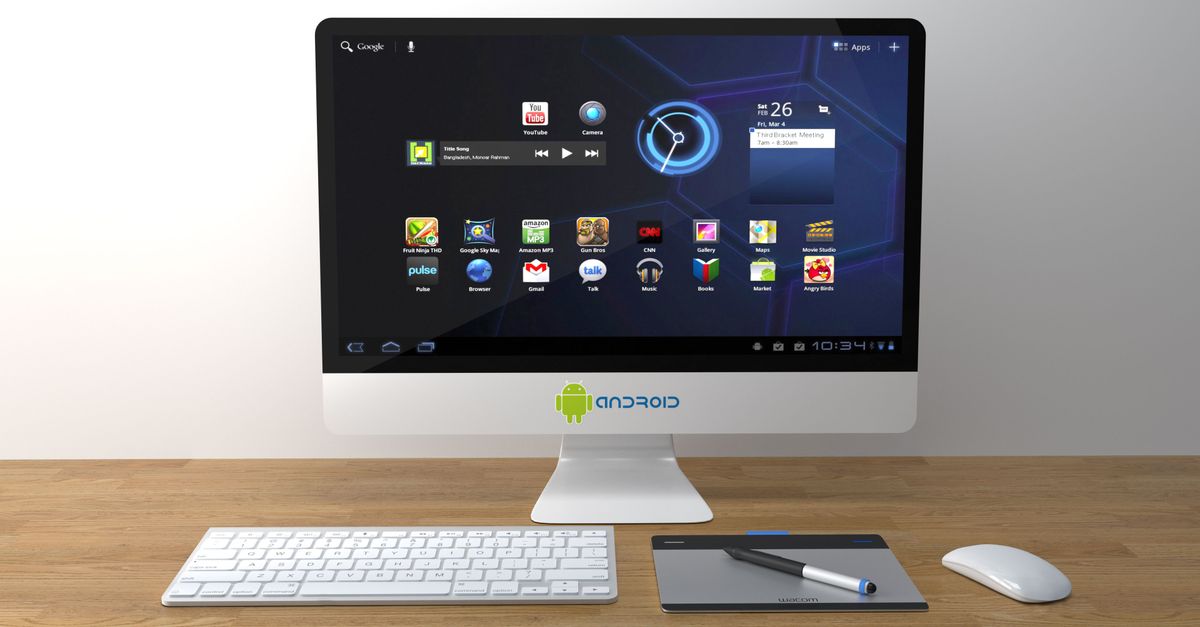
Custom Windows 11 Alerts Take Over the Desktop
Windows 11 now lets power users script recurring reminders that pop up the moment a condition is met. The feature replaces the old static toast system with a flexible trigger engine that can fire on schedule, file change, or network event.
WIRED walks through the setup step‑by‑step, showing how a PowerShell script can register a notification that reminds you to stand up every hour or to run a backup when a new USB drive appears. The guide also demonstrates linking the notification to a custom icon so the alert feels like part of the OS, not a third‑party add‑on.
Why Home Automation Needs Better Alerts
Smart water‑leak detectors have become a staple in new builds, but their alerts often disappear into a phone notification drawer. WIRED’s roundup of 2026’s best leak sensors—Moen, Phyn, and TP‑Link—highlights how each device can send a push when moisture is detected, yet the average homeowner still misses the warning while working at a desk.
A missed leak alert can turn a minor drip into a flooded basement. By routing the sensor’s push through a Windows 11 custom notification, the warning appears on the primary screen, forcing immediate action. The approach eliminates the habit of scrolling past a phone alert while the PC is in focus.
Smart Backyard Gadgets Join the Notification Loop
Engadget lists a handful of backyard upgrades that promise to make outdoor spaces more functional, from Wi‑Fi‑enabled sprinklers to solar‑powered security cameras. Each device ships with its own app, but the apps rarely speak to each other, leaving the user to juggle multiple notification streams.
When a smart sprinkler reports a low‑water‑pressure event, a Windows 11 custom alert can surface the exact cause—perhaps a clogged valve—right alongside a calendar reminder to order a replacement part. The same technique works for a motion‑detected camera that flags a stray animal; the desktop notification can include a thumbnail snapshot, letting you decide whether to intervene without pulling out your phone.
Network Bandwidth: Dual‑Band vs Tri‑Band for a Responsive Home Hub
Engadget’s comparison of dual‑band and tri‑band routers explains that the extra band in a tri‑band model provides a dedicated back‑haul for high‑throughput devices. The article notes that the third band operates on a separate 5 GHz slice, reducing contention for bandwidth‑hungry gadgets.
When custom Windows 11 alerts rely on real‑time data from water sensors, sprinklers, or cameras, network latency becomes visible as delayed pop‑ups. A tri‑band router can keep the signal path clear, ensuring that a leak warning arrives within seconds rather than minutes. In contrast, a dual‑band router may force the sensor’s traffic to share space with streaming video, introducing jitter that can make an alert feel stale.
What to Watch: The Push for Unified Alert Platforms
The next wave of Windows 11 updates promises tighter integration with the Windows Substrate API, which could let developers expose sensor data directly to the OS without a middleman app. If Microsoft follows through, the desktop will become the default hub for every smart‑home event, from a Phyn leak detection to a solar‑powered garden light’s fault report. Track the release notes for the upcoming Windows 11 build 23H2 and watch for third‑party SDKs that claim to bridge Engadget‑featured gadgets into the native notification center. The real test will be whether users actually respond faster when alerts surface on the screen they already dominate.
Related Articles

Ring upgrades default encryption, pledges post-use cloud deletion
Ring now encrypts video by default and deletes cloud copies after powering smart‑home actions, aiming to tighten privacy.

Matter expands: Homey, Siram, IKEA push smart home integration
Homey adds Matter 1.5, Siram automates plant watering, and IKEA rolls out 21 new Matter devices, tightening the Apple HomeKit ecosystem.
Google pushes Gemini AI into home devices and search
Google rolls out Gemini built in for third‑party speakers and adds an AI overview to Search, raising usability and privacy questions.