

USB Tethering and SQLite: Pragmatic Tools for Edge Workflows

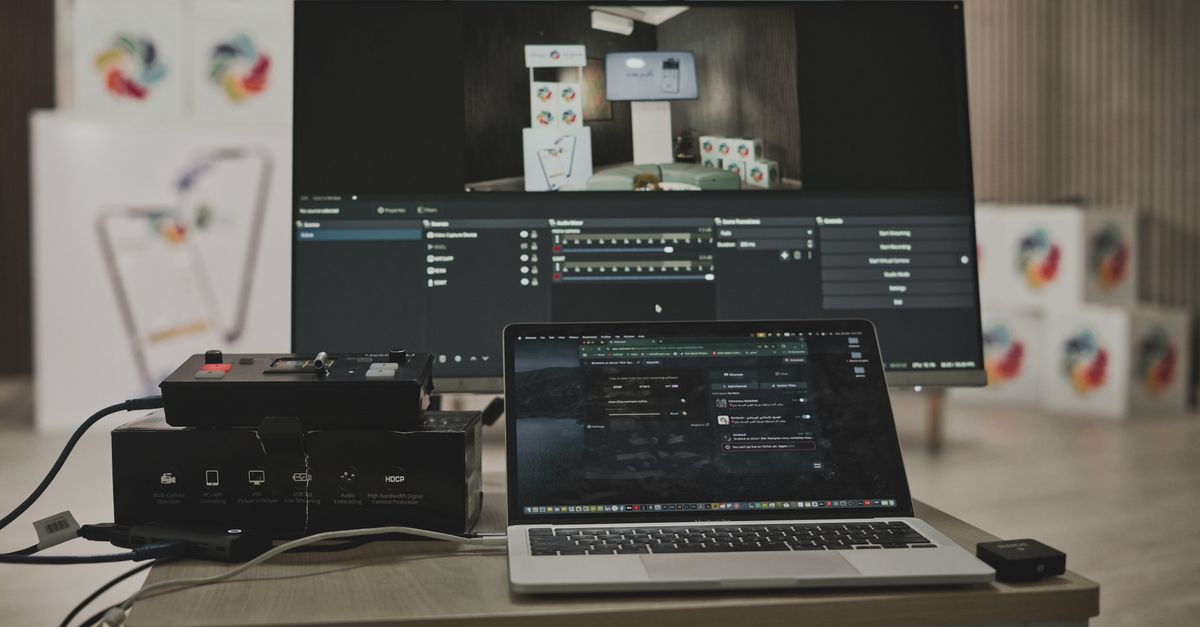
Photo by Ben Khatry on Pexels
When a Cable Beats Wi‑Fi
A laptop tethered to a phone over USB can outpace a Wi‑Fi hotspot in latency and reliability. The Engadget guide notes that a physical connection performs better when signal strength is weak or interference is high. Engineers often need that deterministic link for debugging or for transferring large dumps.
USB tethering works on Android and iOS. It creates a network interface that routes traffic through the phone’s data plan. No extra apps are required beyond the OS settings. The connection appears as a wired Ethernet adapter, so existing tools like ssh or scp work unchanged. Because the data travels over the cable, packet loss drops dramatically compared to a congested 2.4 GHz band.
SQLite’s Unseen Dominance
SQLite, released on 17 August 2000 by Dr. Richard Hipp, now ranks as the second most deployed piece of software worldwide. It powers everything from the Airbus A350’s flight‑data recorder to millions of mobile apps. The Debian amd64 package compresses to 765 KB and expands to 2.3 MB on installation, a footprint that fits comfortably on embedded flash.
The database lives in a single file and requires no server process. The public‑domain license lets any project embed it without legal friction. A command‑line client ships with the library, offering immediate SQL access. Users can tweak the client via a ~/.sqliterc file to enable headers, set column display, shorten the prompt, attach a timer, and render NULL values with a special character.
Pairing a Cable with a Tiny Engine
When an engineer needs to pull logs from a remote sensor, the first step is often to tether the sensor’s companion phone. The USB link guarantees that a 10 GB log file arrives without retransmissions. Once on the laptop, the log can be imported into SQLite for rapid querying.
SQLite’s CSV import uses two commands: .mode csv to switch the client, and .import file.csv tablename. By default the separator is a pipe, but .separator ',' changes it to a comma. If the target table does not exist, SQLite creates it from the first row’s column names. The guide shows a mixed‑language CSV of Welsh airports, with both ASCII and Japanese column headers, imported without issue.
The resulting .db file may be larger than the original CSV. In a test, a million‑row, 12‑column CSV compressed to 41 MB, expanded to 142 MB uncompressed, and produced a 165 MB SQLite file. GZIP compression reduced the database to 48 MB, but the SQLite client cannot open a compressed file directly.
In‑Memory Speed for Edge Analytics
Storing the database in RAM eliminates disk latency. The guide demonstrates creating an in‑memory SQLite instance via Python, inserting ten Fibonacci numbers, and committing them in a single atomic transaction. This pattern is useful for edge devices that need quick lookups without persisting data.
Developers can also write custom Python functions and register them with SQLite. Those functions run inside SQL statements, extending the engine’s capabilities without leaving the familiar query language.
What to Watch
The next Android release is expected to expose USB tethering settings to third‑party automation tools. If those APIs become stable, scripts could spin up a tether, pull data, and feed it into an in‑memory SQLite instance with a single command. Keep an eye on the Android developer blog for the official API announcement and on SQLite’s release notes for any changes to the CLI import flags. Those two moves will tighten the feedback loop for engineers working on remote diagnostics and on‑device analytics.
Related Articles
Nvidia’s $12.9 B Hugging Face Deal Signals a Shift Toward
Nvidia buys Hugging Face for $12.9 B as rivals push AI to the edge and the cloud, from Ugreen’s local hubs to Google’s satellite‑fed weather model.

Googlebook challenges Apple’s retail play as Mac Studio prices
Google’s $899 AI‑native laptop and Apple’s store‑first philosophy clash amid rising component costs and AI‑driven hardware bets.
Xiaomi MiMo 2.6, Grok 4.7, and a Wave of Mid‑Month Tech Setbacks
A roundup of Xiaomi's MiMo 2.6 launch, x.ai's Grok 4.7 update, NASA's Mars Sample Return cancellation, and other mid‑September tech headlines.